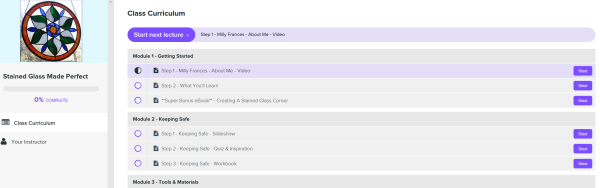
My online courses are now closed to new students. Thank you to everyone who trusted my teaching and invested in my courses. I’m very grateful for your support.
FAQ
- When do I have to download the courses by? – March 2026
- How do I download them? – Log in and go to Step 0 at the top of each curriculum
- Are the files big? – No, not very big. They are all zipped files – the largest is 2.4 GB. You can download individual files from within each Step if you prefer.
- Will the files I’ve downloaded still work after March? – Yes, they are yours to keep
- I don’t see a Step 0 in my class – All classes have a READ ME section at the top. In some courses READ ME is inside Module 1, in others it’s right at the top.
- I have design Magic can I download it? – No, Design Magic was different to all my other courses. It was taught over a specific time-frame and was never sold as ‘Forever Access‘. I used materials and others work as examples and I wouldn’t want to dishonour them by letting others download their work.
- Can I access old classes I bought a while back? – Yes. All classes can be downloaded regardless of when you bought them.
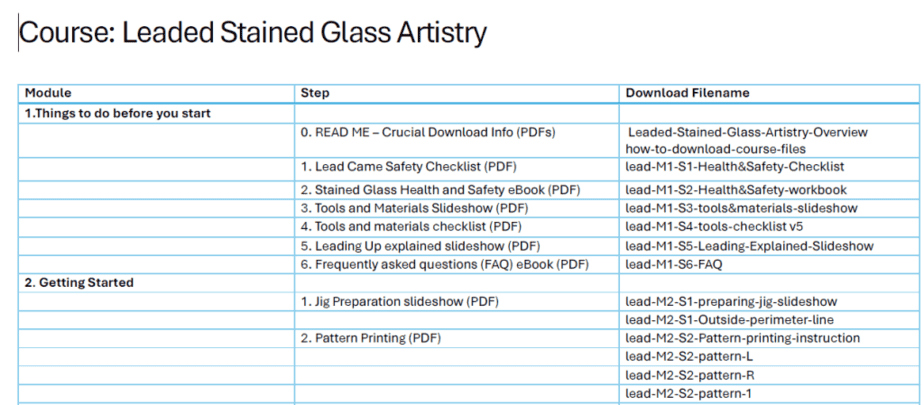
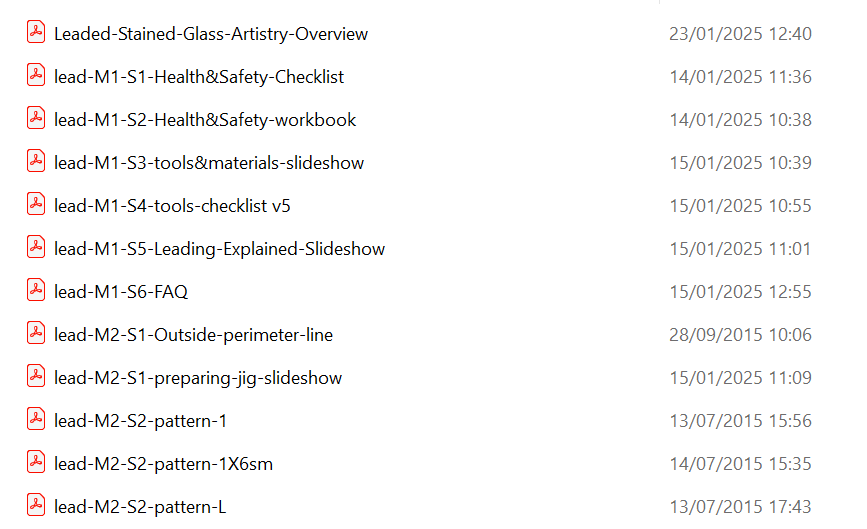
- What does the downloaded course look like? – I have kept the structure the same so all files are named according to Module and Step. Plus I have included an Overview of the course contents and corresponding file names in the course overview document in Step 0 and in the zip file. See examples below:
General Student Information
Your courses are available to view online on my Everything Stained Glass School which is on a platform called Teachable.
I will be closing this in March 2026. If you prefer working through a course online, you can do this on Teachable until March 26 here:
https://www.everything-stained-glass-school.com/
You also have until March 2026 to download your course files so that you can keep them forever.
The course files won’t be sent to you. You will need to go and get them from Everything Stained Glass School on Teachable.
How to Download your Course – Do this before March 2025
Log In here:
https://www.everything-stained-glass-school.com/
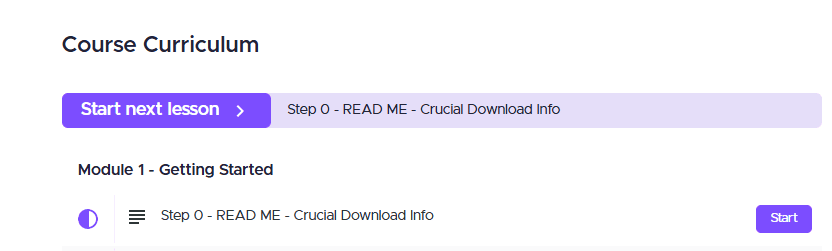
Find your course* and at the top of each Course Curriculum there is a STEP 0
*scroll down this page to learn how to Find Your Course if you don’t know
STEP 0 contains specific instructions to make sure you have the course material on your computer and keep it forever.
How to Log In and Find Your Course
Click here to login to your course – https://www.everything-stained-glass-school.com/
- Click Log In, top right.
- Log in with your username and choose if you want a one time code sent to your email address or if you prefer to use your password.
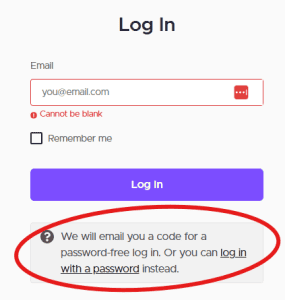
If you forget your password any time, click ‘Reset Password’ underneath the Log In button after you select ‘log in with password’
After Logging In
After you Log in you will see a screen which shows all of your enrolled courses
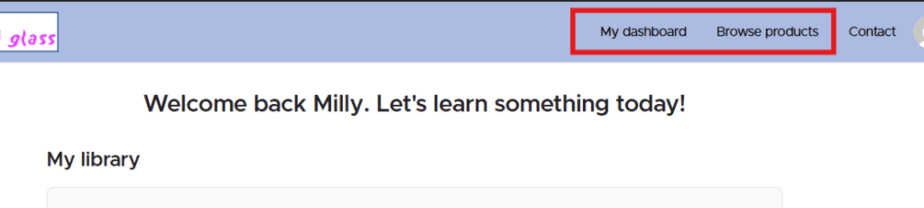
Click on the course you want to view and this will take you to your curriculum which looks similar to this: